Use `##` through `####` for content headings. The first `#` H1 is automatically stripped from display (the page title is set by the page meta, not the body).
Source
# Page title (this H1 is stripped from display)

## Section heading (H2)

### Subsection heading (H3)

#### Smaller heading (H4)
Renders as
Section heading (H2)
Subsection heading (H3)
Smaller heading (H4)
⚠️ Heads up: H5 and H6 are not supported. Inside content, start with `##` — never `#`.
Text Formatting
Bold, italic, bold + italic, and inline code.
Source
This is a paragraph with **bold text**, *italic text*, and ***bold italic*** combined.

Use `inline code` for short snippets, file names like `package.json`, or commands like `pnpm install`.
Renders as
This is a paragraph with bold text, italic text, and bold italic combined.
Use inline code for short snippets, file names like package.json, or commands like pnpm install.
⚠️ Heads up: Strikethrough (`~~text~~`) is NOT supported.
Links
Standard Markdown link syntax. All links open in a new tab with `rel="noopener noreferrer"` automatically.
Source
Read the [TiDB documentation](https://docs.pingcap.com/) for full reference.

You can also link to other [PingCAP pages](https://www.pingcap.com/tidb/) inline.
⚠️ Heads up: Only http(s) and mailto links are allowed. Other protocols are silently dropped.
Images & Captions
Standard image syntax. An italic line directly below an image becomes a `<figcaption>`.
Source
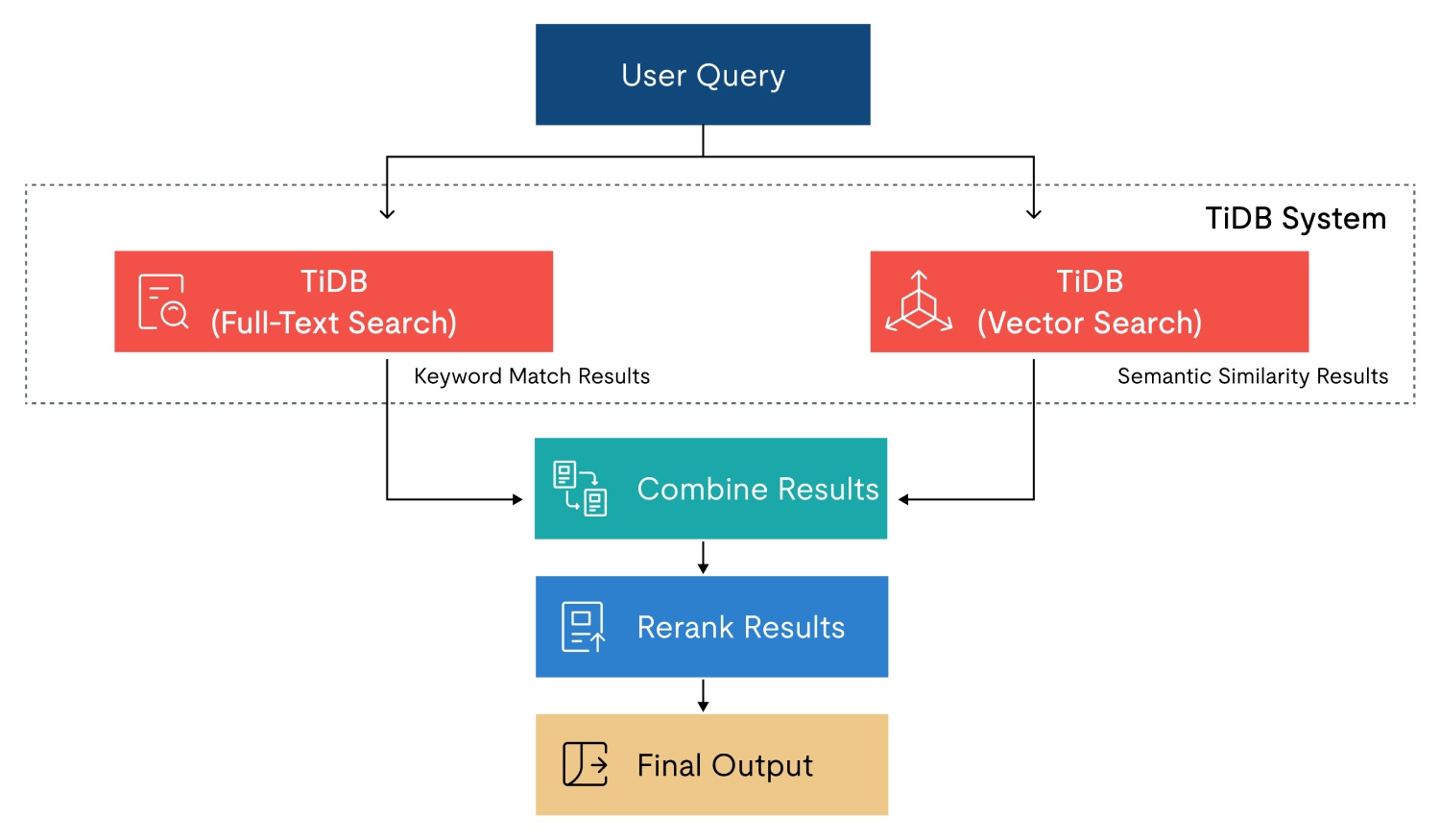
*Figure 1: TiDB cluster topology — the italic line above this becomes the caption.*
Renders as
Figure 1: TiDB cluster topology — the italic line above this becomes the caption.
⚠️ Heads up: A blank line between the image and the caption is allowed. The caption must be a single italic line wrapped in `*…*` or `_…_`.
YouTube Embeds
Drop a YouTube link on its own line — either as `[Title](url)` or a bare URL — and it becomes a click-to-play thumbnail with a lightbox player.
Source
[Watch: TiDB explained in 5 minutes](https://www.youtube.com/watch?v=dQw4w9WgXcQ)

*Optional caption line works here too.*
- HTAP workloads
- MySQL compatibility
- Horizontal scaling

1. Spin up a cluster
2. Connect via the MySQL protocol
3. Run analytical queries
Renders as
HTAP workloads
MySQL compatibility
Horizontal scaling
Spin up a cluster
Connect via the MySQL protocol
Run analytical queries
⚠️ Heads up: Nested lists are NOT supported by this renderer — keep lists flat. Task lists (`- [ ]`) are also not supported.
Blockquotes
Prefix lines with `> `. Useful for pull quotes and customer testimonials.
Source
> TiDB has eliminated the operational toil of running sharded MySQL at our scale.
> — Engineering lead, mid-stage fintech
Renders as
TiDB has eliminated the operational toil of running sharded MySQL at our scale.
— Engineering lead, mid-stage fintech
Code Blocks
Fenced code blocks with optional language tag. Get a copy button and Prism syntax highlighting automatically.
Source
```sql
SELECT region, COUNT(*) AS orders
FROM orders
WHERE created_at >= NOW() - INTERVAL 7 DAY
GROUP BY region
ORDER BY orders DESC;
```

```bash
pnpm install
pnpm dev
```
Renders as
SELECT region, COUNT(*) AS orders
FROM orders
WHERE created_at >= NOW() - INTERVAL 7 DAY
GROUP BY region
ORDER BY orders DESC;
pnpm install
pnpm dev
⚠️ Heads up: Supported languages: bash, sql, json, yaml, javascript, typescript. If you omit the tag, the renderer auto-detects from content.
Tables
GFM-style pipe tables. The header separator (`|---|---|`) is required. An italic line directly below the table becomes a caption.
Three or more `-`, `*`, or `_` on a line by themselves.
Source
Section A content above the rule.

---

Section B content below the rule.
Renders as
Section A content above the rule.
Section B content below the rule.
Card Grid (Custom Directive)
Layout block for highlighting 2–3 grouped points. Uses the `:::card-grid` container with `:::card` children. Each card may include an H2–H4 title at the top and a `[CTA](url)` link at the bottom.
Source
:::card-grid

:::card
### Distributed SQL
Horizontally scale reads and writes across nodes without manual sharding.
[Read more](https://docs.pingcap.com/tidb/stable/overview)
:::

:::card tone=light
### MySQL compatibility
Drop-in replacement for the MySQL protocol — keep your application code unchanged.
[Read more](https://docs.pingcap.com/tidb/stable/mysql-compatibility)
:::

:::
Renders as
Distributed SQL
Horizontally scale reads and writes across nodes without manual sharding.
⚠️ Heads up: Attributes: `columns=1|2|3` on `:::card-grid`; `tone=brand|light` on each `:::card` (default is `brand` — dark red background).
Columns (Custom Directive)
Side-by-side text columns. Useful for "Before / After" comparisons or paired explanations.
Source
:::columns columns=2

:::column
### Before
Sharding logic lived in the application layer and required manual rebalancing on every capacity change.
:::

:::column
### After
TiDB handles distribution transparently. The application sees a single logical database and engineers reclaim weeks per quarter.
:::

:::
Renders as
Before
Sharding logic lived in the application layer and required manual rebalancing on every capacity change.
After
TiDB handles distribution transparently. The application sees a single logical database and engineers reclaim weeks per quarter.
⚠️ Heads up: Attributes: `columns=1|2|3` on `:::columns`.
Section Background (Custom Directive)
Wrap any markdown in a colored container — useful for "Quick Answer", "TL;DR", or "Key Takeaways" blocks. Unlike `:::card`, the first heading is NOT extracted as a title; all H2/H3/H4 inside render with normal styling.
Source
:::section bg="light"
## Quick Answer: The Best Vector Databases by Use Case

The "best" vector database depends on your workload, especially your filtering and hybrid search needs.

### Best Fit for Production RAG + SQL Workloads

TiDB Vector Search

### Best Open Source Option

Milvus (or Weaviate for broader UX/ecosystem)
:::
Renders as
Quick Answer: The Best Vector Databases by Use Case
The "best" vector database depends on your workload, especially your filtering and hybrid search needs.
Best Fit for Production RAG + SQL Workloads
TiDB Vector Search
Best Open Source Option
Milvus (or Weaviate for broader UX/ecosystem)
⚠️ Heads up: Attributes: `bg="light|dark|brand"` (default `light`). `light` = soft grey #f5f6f8 with default text colors. `dark` and `brand` flip headings to white. Use for standalone summary blocks; use `:::card` instead when you want a single-title card with a CTA.
Inline CTA Banner (Custom Directive)
A `:::cta` fence renders a CTA banner. The first `[link](url)` is the primary button; the second is the optional secondary button. All other text becomes the subtitle. There is no title. In the admin import flow each fence also splits the surrounding markdown into separate sections. Pick a `bg` image to match the section tone — three approved variants below.
Source
:::cta bg="https://static.pingcap.com/files/2025/06/22092103/1000011430.png"

Ready to see TiDB in action? Spin up a free cluster in under two minutes — no credit card required.

[Start for Free](https://tidbcloud.com/free-trial/)
[Read the Docs](https://docs.pingcap.com/)
:::

:::cta bg="https://static.pingcap.com/files/2025/06/22184957/1000011432.png"

Migrating from sharded MySQL? Our team can map your schema and review your access patterns on a free 30-minute call.

[Talk to an Engineer](https://www.pingcap.com/contact-us/)
[See Migration Guide](https://docs.pingcap.com/tidb/stable/migration-overview)
:::

:::cta bg="https://static.pingcap.com/files/2025/06/22211020/1000011435.png"

Want the deep technical story? Download the TiDB architecture whitepaper — distributed SQL, HTAP, and how it all fits together.

[Get the Whitepaper](https://www.pingcap.com/resources/)
:::
Renders as
Ready to see TiDB in action? Spin up a free cluster in under two minutes — no credit card required.
⚠️ Heads up: Attributes: `bg="URL"` (also accepts `background=` / `backgroundimage=`) sets a background image. Default background is `brand-violet`. The `:::cta` fence MUST be on its own line at the top level — do NOT nest it inside `:::card` or `:::columns`.
Gotchas & Not Supported
Common patterns that look like they should work but don't. Check this list before filing a bug.
No nested lists
Indented sub-bullets render as plain paragraphs, not nested `<ul>`. Restructure as flat lists or use headings.
No task lists
`- [ ] task` renders as a literal bullet with the brackets visible. There is no checkbox UI.
No strikethrough
`~~text~~` is rendered as literal tildes. Use italics or rephrase.
No raw HTML (except `<hr/>`)
HTML tags are escaped and shown as text. The one exception is `<hr/>` which behaves like a horizontal rule.
No H5 / H6
Heading parser stops at H4. Anything deeper renders as a paragraph.
First H1 is stripped from display
The opening `# Title` line is removed from `richTextBlock` rendering by default. Page titles come from page metadata, not body content.
Captions must be a single italic line
For images, tables, and YouTube embeds: the caption is the next non-blank italic-only line. Anything else is treated as the next paragraph.
Card and Column directives need blank lines
Always leave a blank line before `:::card-grid`, between sibling `:::card` blocks, and after the closing `:::`. Otherwise the parser may swallow surrounding content.
`:::cta` must be top-level
`:::cta` is parsed before the rest of the markdown renderer runs. Do not nest it inside `:::card`, `:::columns`, or any other directive — the outer block will fail to close cleanly.
`:::cta` needs at least one link
A `:::cta` block with no `[text](url)` link is silently dropped (rendered back as plain markdown). Always include a primary CTA link.
